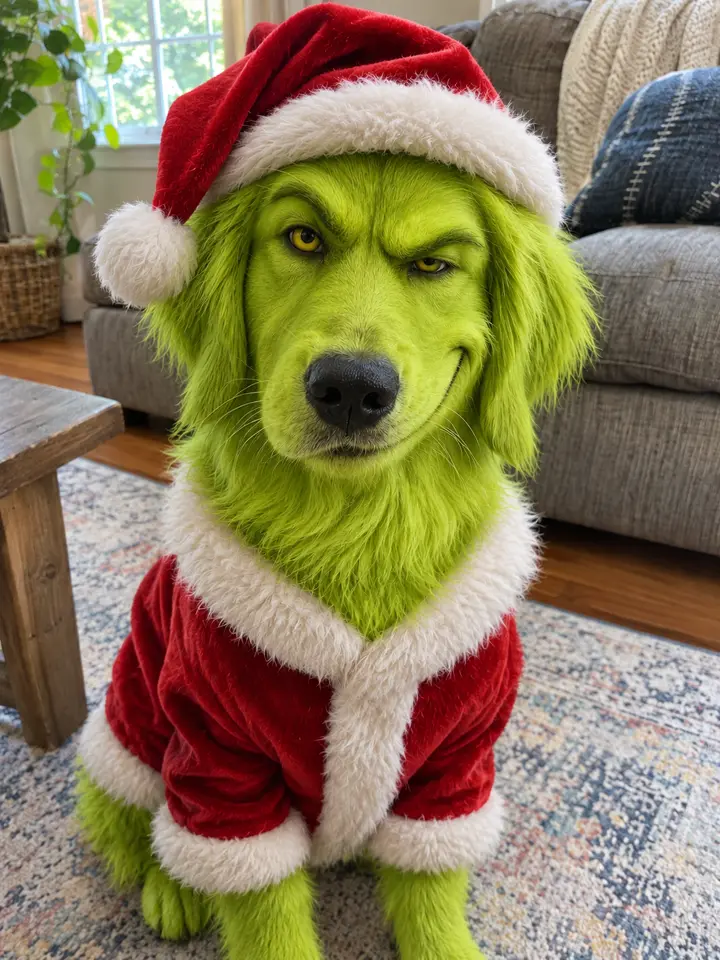
Christmas PFP AI: Your Face in a Santa Hat, Four Ways
Christmas PFP AI that keeps your face: upload one selfie or pet photo and get four Santa hat profile pictures in about a minute.
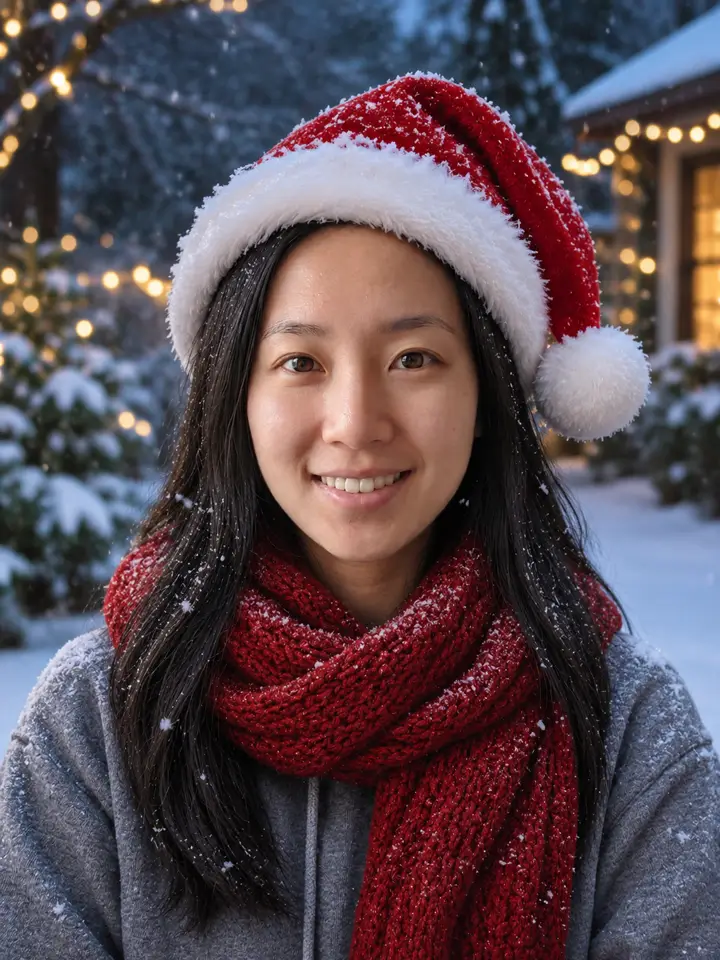
Each picture puts a red Santa hat on your own face and swaps the background for a Christmas scene: tree lights, a snowy street, an anime night sky and a fireplace. Your features stay yours. Drag the line to compare.
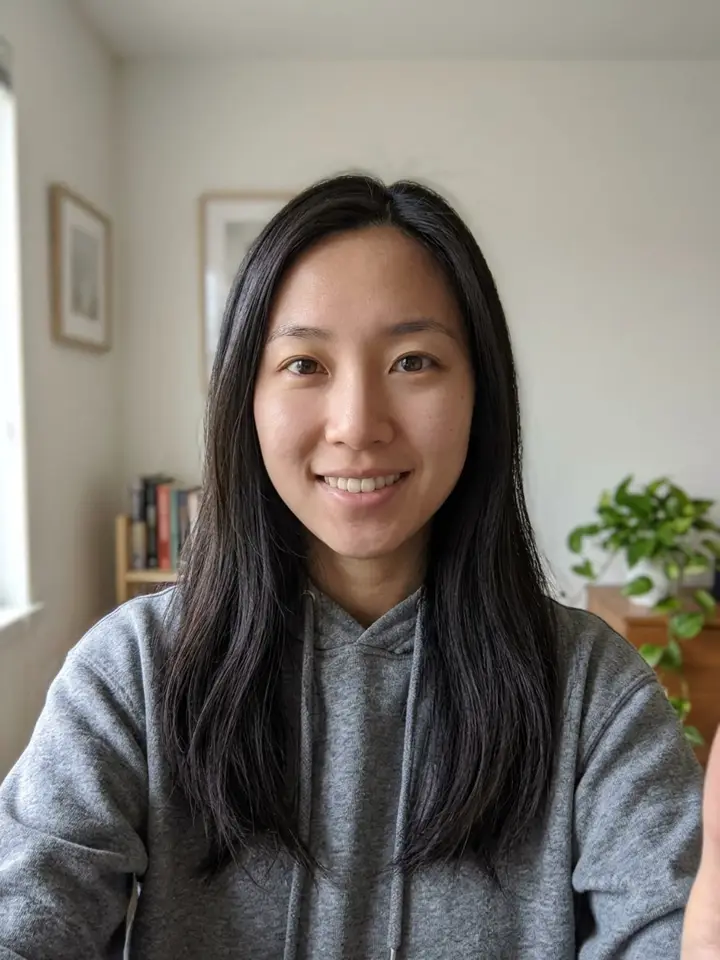
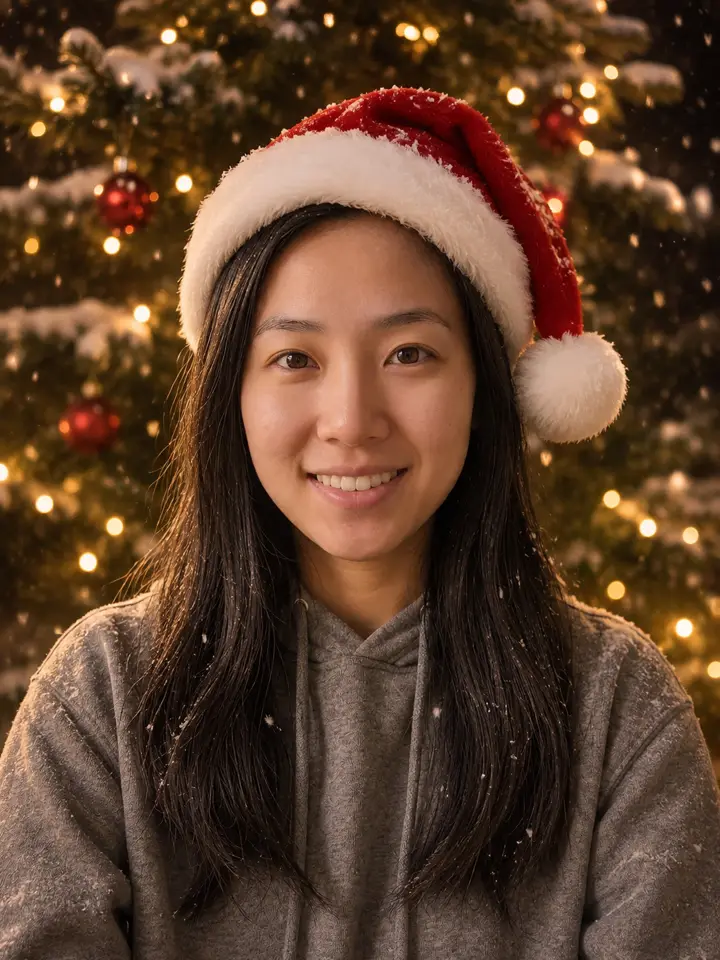 Drag to compareBeforeAfter
Tap one to compare.
Make your Christmas PFP
- 1Add one photo. A clear face: you or your pet.
- 2We make it 4 times. 4 images, in about a minute.
- 3Keep the ones you like. Full-size downloads, no watermark.
Your photo is used only to make your images, never shown publicly.
Photo tips
Close Blurry photo
 Face too
You get 4 images like these
$2.99 for 4 images · no subscription · never expires
A failed image goes back to your account.
Christmas PFP Before and After
4 photos we ran through the filter. Drag each line to see what it keeps from the photo and what it changes.
- BeforeAfter
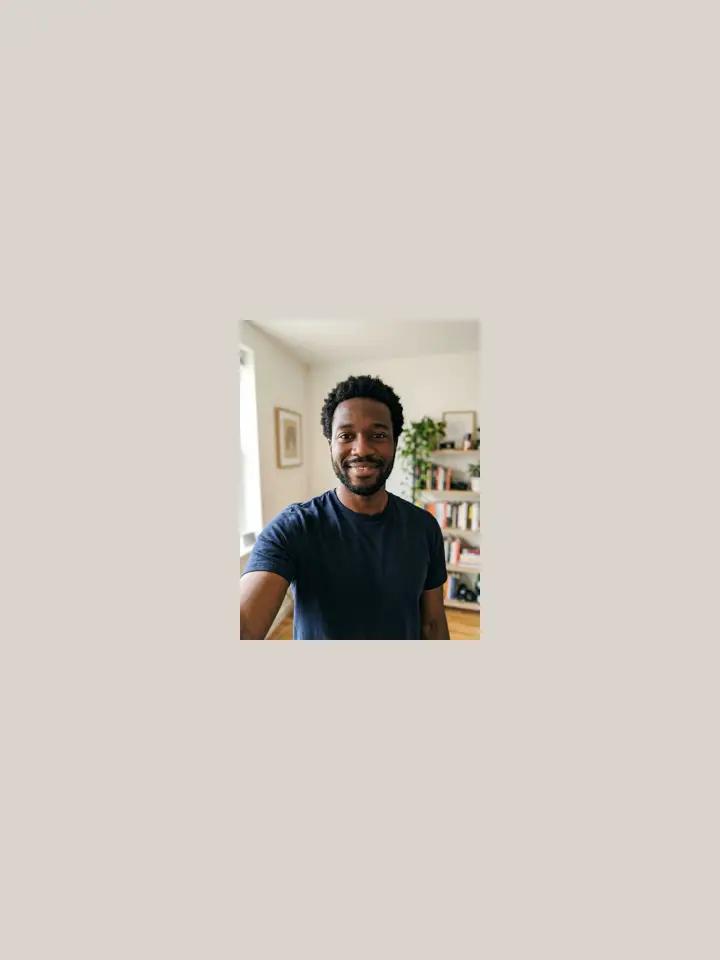
Selfie at home, tree lights lookSame face, hair and hoodie; the room becomes a lit tree with falling snow.

 BeforeAfter
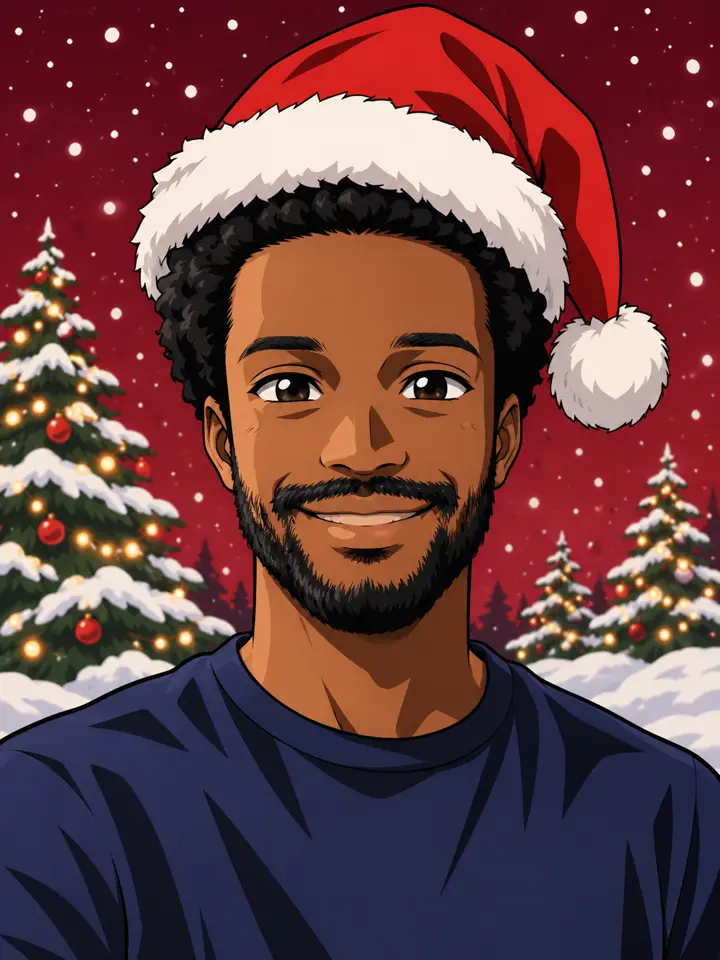
Selfie, anime lookDrawn as anime, but the hair, beard and skin tone are still his.
 BeforeAfter
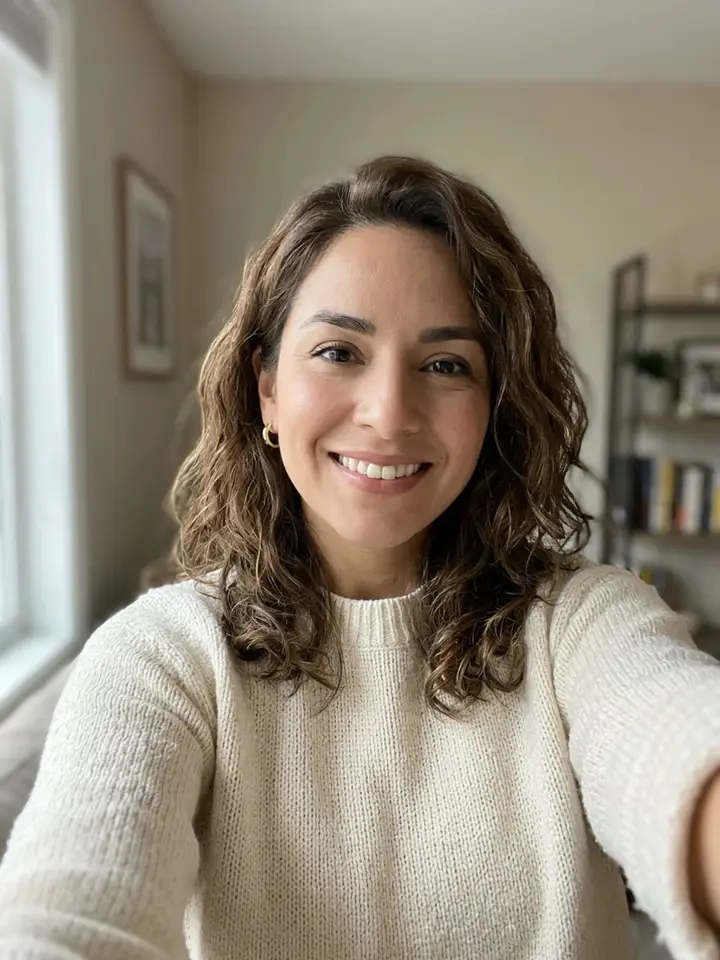
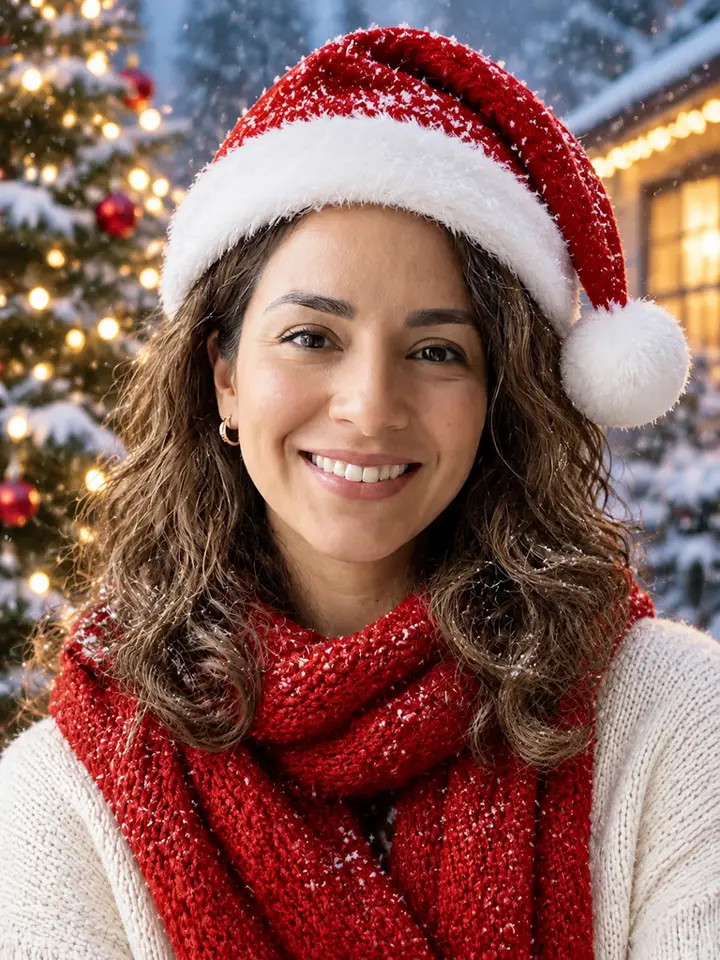
Selfie, snowy evening lookSnow on the hat and hair, and a red knit scarf over her own sweater.
 BeforeAfter
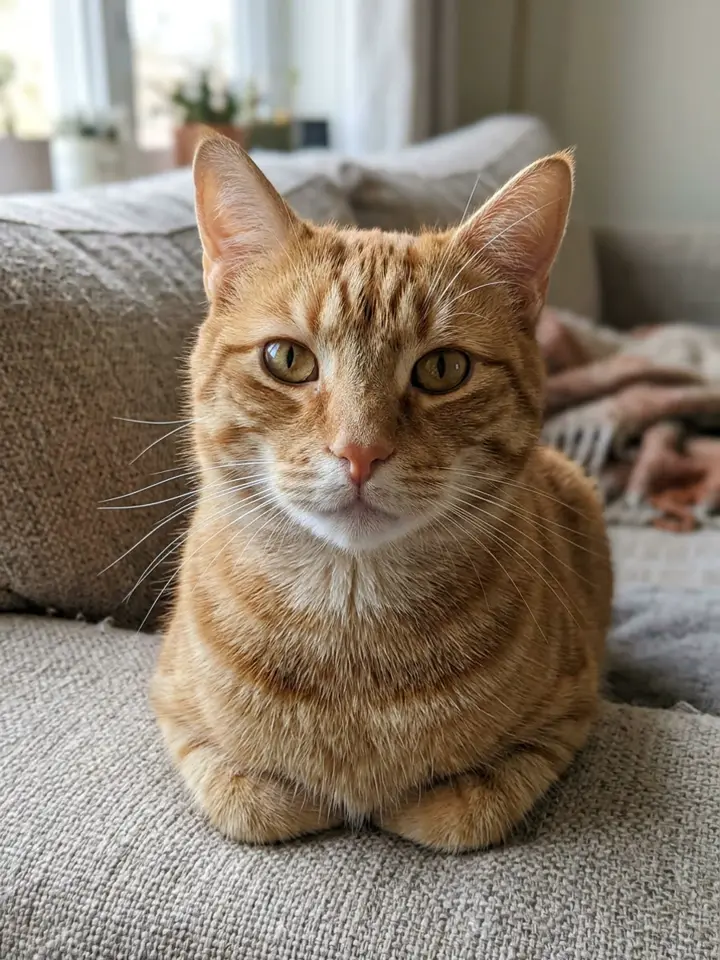
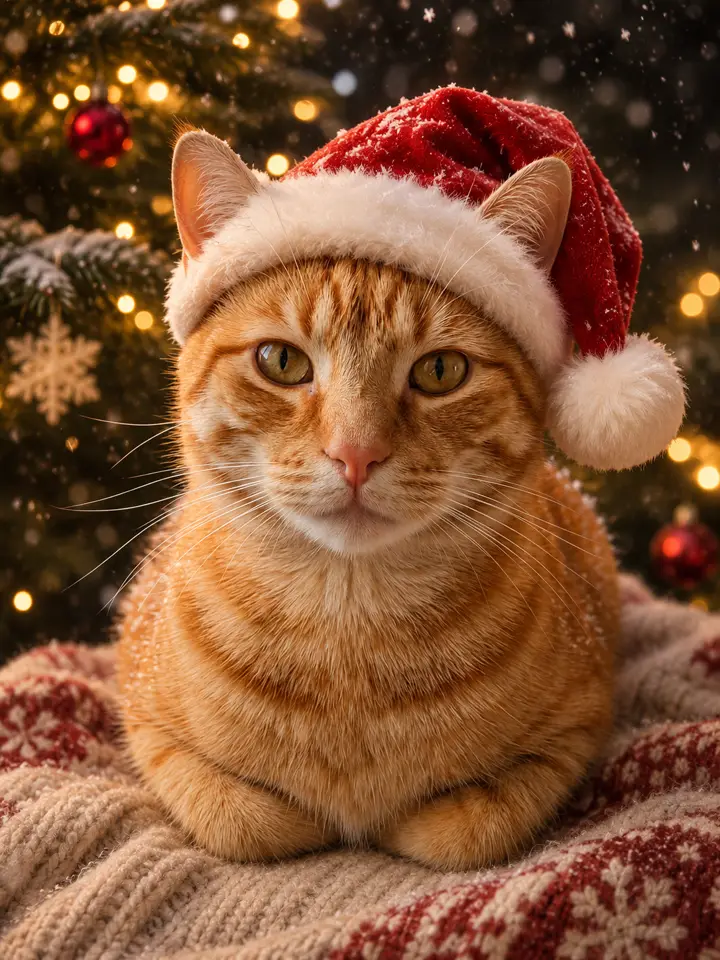
Tabby cat on the sofaPets work too: stripes, eye color and ears are kept under the hat.
What Is a Christmas PFP?
PFP is short for profile picture. Every November people swap theirs for a festive one, and on TikTok the season starts with posts saying it is the first of November, so Christmas PFPs are back. Most of those are anime characters, cartoon heroes and pets wearing a Santa hat, saved from Pinterest or made in an app.
In early November 2026 a CapCut template called "Christmas PFP" appeared, and with it the Christmas PFP AI idea: upload your own photo and get yourself in a Santa hat in front of a snowy Christmas tree. Searches for the AI version followed, and a handful of image sites added pages for it.
A profile picture has one job: to be recognised at a glance in a small circle. That is what we built for. The face stays centred, large and clearly yours, and nothing important sits near the edges, so the picture survives being cropped round on Instagram, TikTok, Discord or X.
Key facts
- Season
- Every year from 1 November
- AI template
- CapCut "Christmas PFP", 2 November 2026 (1,347 uses by 7 Nov)
- Most viewed post we found
- @retariley8 · 32,435 views (7 Nov 2026), a how-to
- Classic style
- Anime characters in a Santa hat
Four Looks From One Selfie
Every Christmas PFP AI set has the same four looks. Here is each one, with the test photo it came from.
BeforeAfterTree lights: the classic Christmas PFP photo
A real-photo look: you, the hat, a Christmas tree glowing behind you and a little snow in the air. Your clothes stay the same, so it reads as you on a good night out rather than a costume.
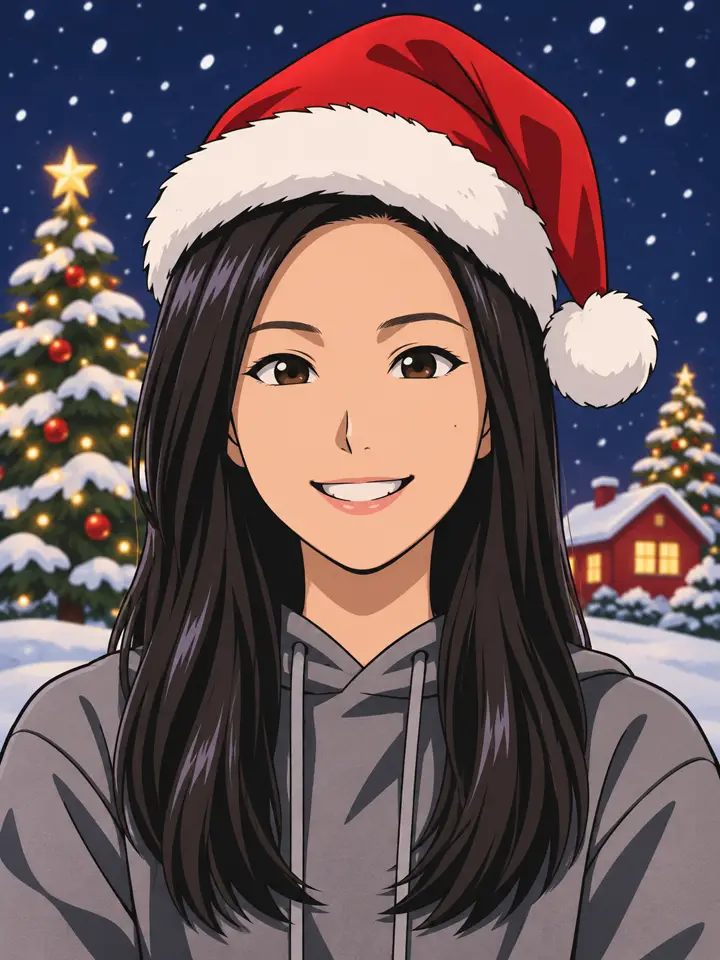
BeforeAfterAnime Christmas PFP: the TikTok favourite
The look most Christmas PFPs on TikTok use, drawn from your own face: clean outlines, flat colors and bigger eyes, with your own haircut and coloring. Beards and glasses carry over.
BeforeAfterSnowy evening with a scarf
Outdoors in falling snow, with a red knit scarf added over your own top and string lights behind. It is the softest of the four and works well as a header or wallpaper too.
BeforeAfterYour pet in the hat
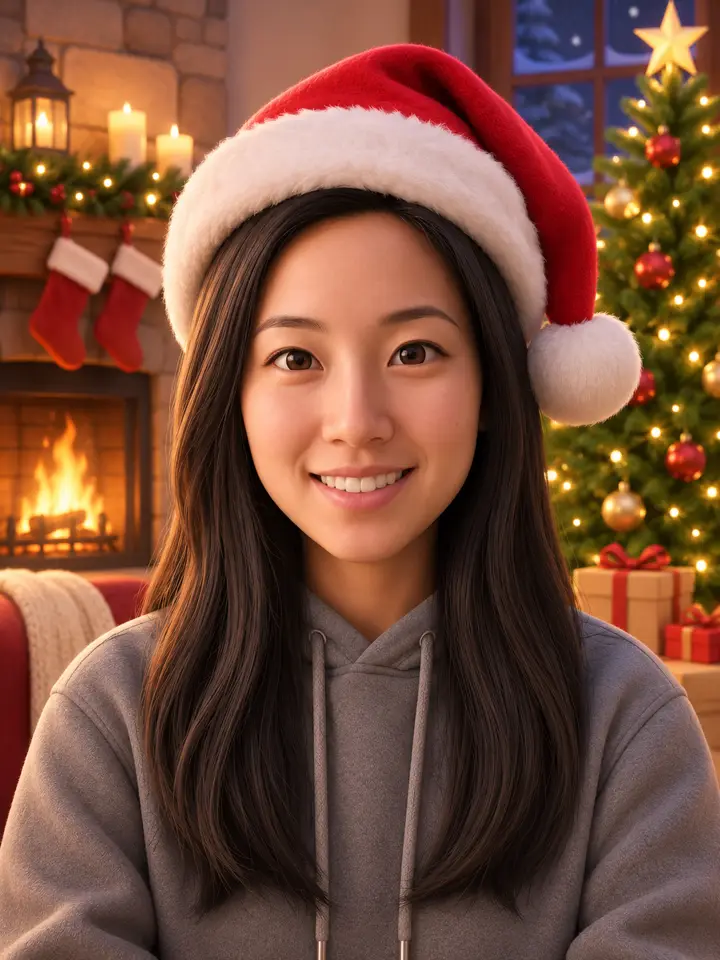
Upload a pet photo and the same four looks are made for it: the hat sits between the ears, and the breed, stripes and eye color stay. The fourth look, by a fireplace, comes out as a soft 3D version rather than a full cartoon.
AI Profile Picture vs. Saved Anime PFP vs. CapCut Template
Three ways people get a festive profile picture, and what each gives you.
| This page | A saved anime PFP | CapCut AI template | |
|---|---|---|---|
| Is it you? | Yes, made from your photo | No, a character | Yes, made from your photo |
| What you get | Four still images in four looks | One image someone else posted | A short video with the template’s music |
| Pets | Yes | Only if you find one like yours | Depends on the template |
| Best for | Your own avatar, matching a friend’s | Fan accounts, group chats | A TikTok post |
Which Photo Makes the Best PFP?
From our test runs: the four looks redraw everything around your face, so the face itself is what the photo has to get right.
Works:Close, sharp, facing you
Head and shoulders, eyes to the camera, in daylight or a bright room. A plain selfie like this kept the face exact in all four looks.Avoid:Blurry photo
With soft edges the model has to guess your features, and the anime look drifts furthest from you.Avoid:Face too small
A full-body or group shot leaves too few pixels on the face. Crop to one face first, or take a closer selfie.
How to Use Your New Profile Picture
Pick your favourite of the four and upload it as your avatar; the face is already centred for a round crop. Post the set as a carousel to let friends vote. On TikTok and Instagram, turn on the AI label for realistic AI images.
Caption ideas
- Changed my pfp, it’s officially Christmas
- Which one should be my pfp? 1, 2, 3 or 4
- Matching Christmas pfps with my cat
Hashtags
- #christmaspfp
- #pfp
- #christmasprofilepicture
- #animepfp
- #santahat
Photo Requirements and What You Get
Pricing
Buy once, no subscription. Photo packs pay for images; video packs pay for videos.
Photo pack
$2.99
Four images from one photo, on any photo meme.
- · 4 images, no watermark
- · Any photo meme on the site
- · Never expires
- · A failed image goes back to your account
Want a video instead? See the video packs.
Christmas PFP FAQ
What is Christmas PFP AI?
It makes festive profile pictures from your own photo. Upload one selfie or pet photo and get 4 pictures of you in a red Santa hat, in four looks: tree lights, a snowy evening, anime and a soft 3D look.
Will it still look like me?
That is what we tested for. Face shape, eyes, nose, smile, haircut and complexion are kept in every look; the anime one simplifies them into drawn lines but stays recognisable. A sharp, close selfie keeps the most likeness.
Can I make an anime Christmas PFP of myself?
Yes. The third picture in every set is an anime Christmas PFP of your own face, drawn with your haircut and coloring, wearing the Santa hat in front of a snowy night sky.
Does it work for my dog or cat?
Yes. Upload a pet photo and the hat sits between the ears; the breed, markings and eye color stay. A pet facing the camera works best.
Will it fit a round profile picture?
Yes. The face is placed in the middle with room around it, so Instagram, TikTok, Discord and X can crop it to a circle without cutting the hat or chin. The images are 3:4; most apps let you move the crop.
How much does it cost and how long does it take?
$2.99 for 4 images, ready in about a minute. No subscription, and an image that fails goes back to your account.
What happens to my photo?
MemeRiff sends it to its AI image provider only to make your images and never shows it publicly. The Privacy Policy has the details. Read our Privacy Policy.